
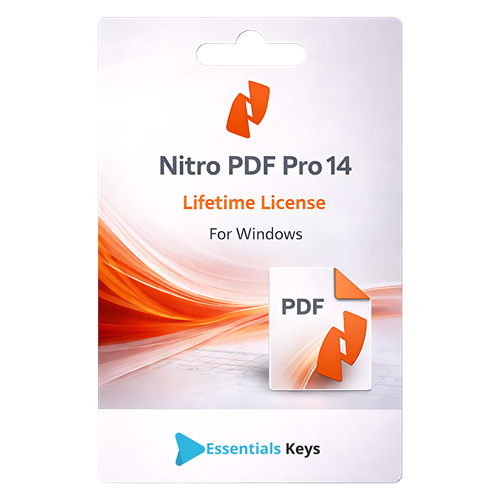

Professional PDF Management for Windows
Enhance your document workflow with Nitro PDF Pro 14, a comprehensive solution designed for creating, editing, converting, and signing PDF documents on Windows operating systems. This software provides a familiar, intuitive interface that allows users to manage digital documentation efficiently without a steep learning curve. Whether you are managing personal archives or handling business documentation, Nitro PDF Pro 14 offers the necessary tools to streamline your processes.
As a robust alternative to Adobe Acrobat, Nitro PDF Pro 14 delivers powerful functionality for users who require precise control over their files. From simple text adjustments to complex document assembly, this software ensures that your PDF tasks are handled with accuracy and speed. The Lifetime License model ensures that you possess a perpetual right to use the software version purchased without the need for recurring monthly subscriptions.
Comprehensive Features
Nitro PDF Pro 14 is equipped with a wide array of features designed to cover every aspect of PDF management. Below are the key capabilities included in this software:
- Advanced PDF Editing: Modify text, fonts, and images directly within your PDF files. The editing tools allow you to reflow text paragraphs, resize images, and adjust layout elements to maintain professional formatting.
- Universal Conversion: Convert PDF files to and from Microsoft Office formats, including Word, Excel, and PowerPoint. The conversion engine maintains layout integrity, ensuring that fonts, images, and formatting remain consistent.
- Document Merging and Assembly: Combine multiple files into a single PDF document. You can insert, delete, extract, rotate, and reorder pages to organize your documents exactly as needed.
- Optical Character Recognition (OCR): Transform scanned documents and images into editable and searchable PDF files. The OCR feature recognizes text in multiple languages, making it easier to digitize physical records.
- Electronic Signatures (eSign): Sign documents digitally and request signatures from others. This feature streamlines the approval process and reduces the need for printing and scanning physical papers.
- Review and Collaboration: Utilize markup tools such as sticky notes, highlights, underlining, and stamps to provide feedback and collaborate effectively with team members.
- PDF Security: Protect sensitive information with 256-bit encryption. Set owner and user passwords to control who can view, edit, copy, or print your documents. Use the redaction tool to permanently remove confidential data.
- PDF/A Compliance: Create ISO-standard PDF/A documents suitable for long-term archiving and preservation.
- Fillable Forms: Create and edit interactive PDF forms with text fields, checkboxes, and drop-down menus.
Seamless Integration and Usability
Designed specifically for the Windows environment, Nitro PDF Pro 14 integrates smoothly with your existing file explorer and Microsoft Office applications. The ribbon-style interface is designed to be familiar to Microsoft Office users, reducing the time required to navigate the software. Users can quickly access recent files, pin frequently used documents, and customize the Home tab with their most-used tools.
License and Activation Details
This product listing is for a Lifetime License of Nitro PDF Pro 14 for Windows. This is a perpetual license, meaning you pay once and own the license for this specific version indefinitely. There are no mandatory recurring fees, subscriptions, or maintenance charges required to keep the software active.
- License Type: Perpetual (Lifetime)
- Platform: Windows 10, Windows 11
- Delivery Method: Digital Download
- User Count: Single User
System Requirements
To ensure optimal performance, please verify that your system meets the following requirements before installation:
- Operating System: Windows 10 or Windows 11 (64-bit recommended)
- Processor: 1.5 GHz or faster processor
- RAM: 4GB or more recommended
- Storage: 4.5GB of available hard disk space
Technical Support
We are committed to ensuring a smooth installation and user experience. Customers who purchase this license have access to 24/7 Essentialskeys technical support to assist with activation, installation, and general troubleshooting regarding the software license. Our team is available to help ensure your software is up and running correctly on your Windows device.