
One-Time Software License vs Subscription: Which Is Better?
Essentials Keys ·
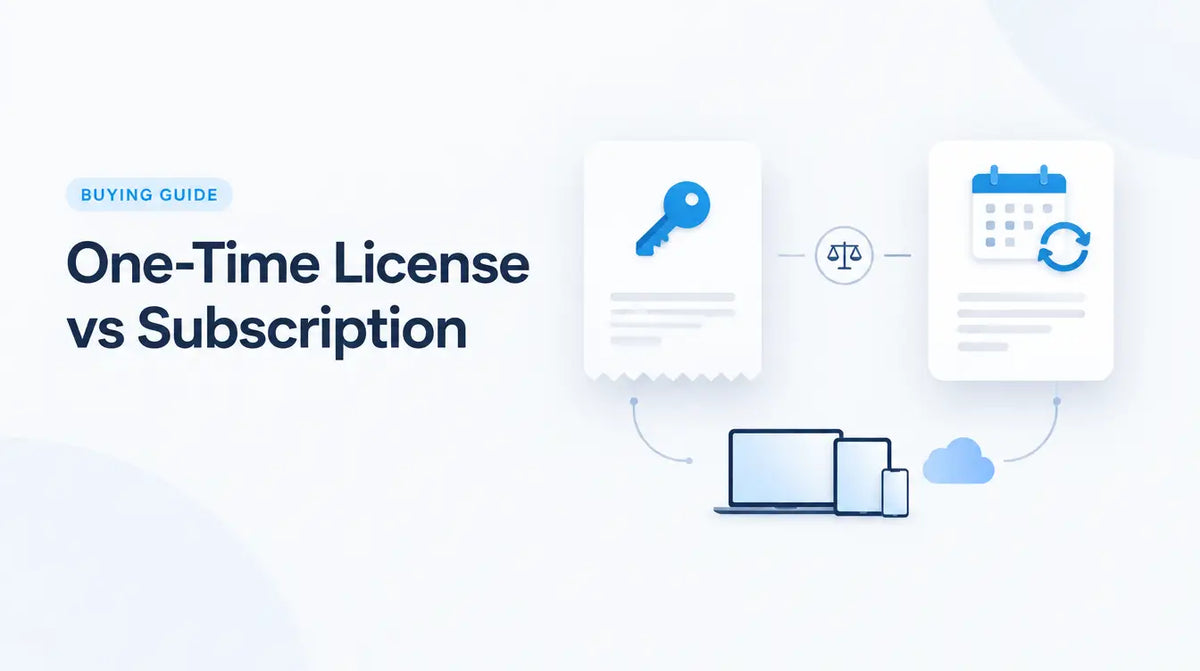
When buying software, one of the most important questions is not only which product you need, but how you want to license it. Two common models are a one-time software license and a subscription.
A one-time purchase usually gives you rights to use a specific licensed version according to its product terms. A subscription gives you access for a defined billing or license period and often includes ongoing services, updates, cloud features, or plan-based benefits while the subscription remains active.
One-time license vs subscription at a glance
| Area | One-time license | Subscription |
|---|---|---|
| Payment | Single purchase for the selected license | Recurring or fixed-term subscription payment |
| Major-version upgrades | Usually purchased separately | Often included while subscription is active |
| Cloud services | Depends on the product | Common in many subscription plans |
| Long-term access | Depends on the perpetual license terms | Access generally depends on an active subscription |
| Best fit | Buyers who want a defined version and predictable ownership model | Buyers who value current services, updates, flexibility, or cloud features |
What is a one-time software license?
A one-time software license is commonly associated with a perpetual or fixed-version product. You pay once for the licensed edition and can continue using that edition according to the license terms, rather than paying a recurring subscription fee to keep the same version licensed.
This model is common with products such as certain Office, Project, Visio, and Windows editions. Examples in the store include Office Home 2024, Project 2024 Standard, and Visio 2024 Standard.
What is a software subscription?
A software subscription gives you access for a defined term. Depending on the product, that might be monthly, annual, or another period. The subscription can include applications, services, cloud storage, security features, collaboration tools, or ongoing feature updates.
Microsoft 365 is a familiar example. The exact apps and services depend on the plan, so a buyer should compare the plan itself rather than assuming every Microsoft 365 subscription is identical.
Examples in our catalog include Microsoft 365 Business Basic, Microsoft 365 Business Standard, and Microsoft 365 Business Premium.
Advantages of a one-time license
- No recurring subscription for that licensed version. This can make budgeting simple for buyers who want a fixed edition.
- Predictable feature set. A fixed release can be useful when a business prefers a stable environment.
- Potentially lower long-term cost in some use cases. If you keep the same version for years and do not need subscription services, a one-time purchase may be economical.
- Good fit for specific workstations. Some buyers simply need a known application version on a particular device.
Limitations of a one-time license
A one-time purchase does not normally mean every future major version is included. If a new major release arrives later, upgrading can require another purchase. Cloud services and collaboration features may also be more limited or absent depending on the product.
It is also important not to confuse “perpetual” with “supported forever.” Software vendors define support lifecycles separately from the right to use a licensed version.
Advantages of a subscription
- Ongoing updates. Many subscription products are designed to stay current while the plan is active.
- Cloud-connected services. Storage, collaboration, web access, or managed services are common in subscription plans.
- Flexible plan structure. Businesses can select plans around users, services, or changing requirements.
- Lower initial commitment in some cases. A subscription can spread software cost over a defined term rather than requiring a larger one-time purchase.
Limitations of a subscription
The biggest trade-off is ongoing cost. If you need the software or service for many years, consider total cost over that period rather than only the first payment.
Access to subscription benefits also depends on maintaining the subscription. If the subscription ends, the product or service can change or end according to the publisher's terms.
Which model is better for home users?
A home user who mainly needs a stable desktop application for one computer may prefer a one-time license. Someone who wants current apps, cloud storage, multiple-device access, or ongoing services may prefer a subscription.
Which model is better for businesses?
Businesses should compare more than purchase price. Think about user turnover, device management, collaboration, cloud services, security requirements, upgrade cycles, and the cost of staying on a supported environment.
A fixed one-time license can work well for stable, specialized workstations. A subscription can be more practical for organizations that want continuously updated services or need to add and remove users over time.
Five questions to ask before buying
- Do I need this exact version for several years, or do I want ongoing feature updates?
- Do I need cloud storage, collaboration, web access, or other online services?
- How many users or devices need the software?
- What will the total cost be over the time I expect to use it?
- What happens when the license term or subscription ends?
Before you order
Read the exact product page for the license type, license duration, supported platform, and device or user limit. Do not assume that two products from the same publisher use the same licensing model.
You can browse Microsoft & Office, Project & Diagramming, or contact Essentials Keys support if you need help understanding a listing before purchase.
FAQ
Does one-time purchase mean free upgrades forever?
No. A one-time purchase normally applies to the specific licensed edition. Future major versions can require a separate purchase.
Is a subscription always more expensive?
Not necessarily. It depends on the product, plan, number of users, included services, and how long you need it. Compare total cost and required features together.
Can I use a one-time license and a subscription in the same business?
Yes, if the publisher's terms and your environment allow it. Many organizations use different licensing models for different users or workloads.